What Are the Most Popular DeepSeek Harness Desktop Pets?
Desktop pets are the most self-directed corner of the DeepSeek Harness plugin ecosystem. A pet does not change what the agent does: it draws one character that idles, breathes, and changes expression with the session. Here are four repositories, each with the author's own screenshot.
What is a desktop pet plugin in DeepSeek Harness?
A pet plugin registers into the interface layer of the Web GUI or the desktop app and draws a character over the window. The animation comes from PNG frames or video assets, and most pets also read session state: a new pose while the model thinks, a look-up while it waits for approval, a celebration when a task finishes. The agent, its tools, and its permissions are untouched.
That cuts both ways. A pet is decoration, so a bad one costs you a character you did not want. It is still a plugin: it runs with your permissions, and it is still worth reading the source before you install it.
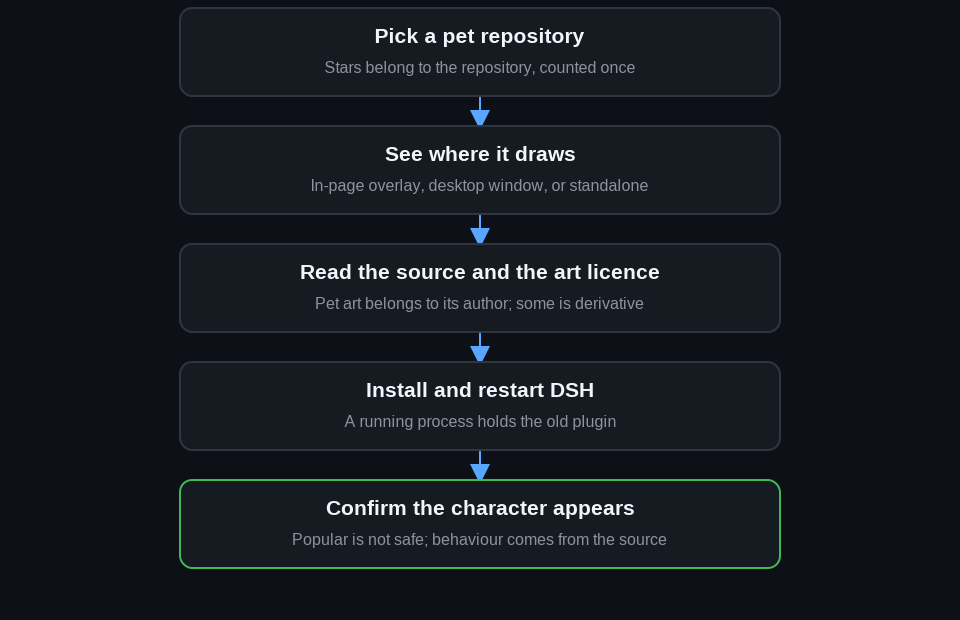
Which DeepSeek Harness desktop pets are worth a look first?
These four are ordered by GitHub stars, and stars belong to the repository, not to a package. When one repository holds several packages they share its stars, so the numbers below do not add up.
dsh-pet: a big blue fish that works when your session works
Repository PC2005-cloud/dsh-pet, about 6,400 stars, MIT, TypeScript. The character lands in the top-right corner by default. Beyond idling and random actions, it switches work-state animations with the session and mutters to itself when idle. You can keep several at once, drag and throw them, or let one live in a transparent always-on-top window outside the browser.
The repository also ships a full asset pipeline: feed it a source video, get transparent animation assets, add them as a pet pack. Changing the character is reproducible rather than a rebuild.
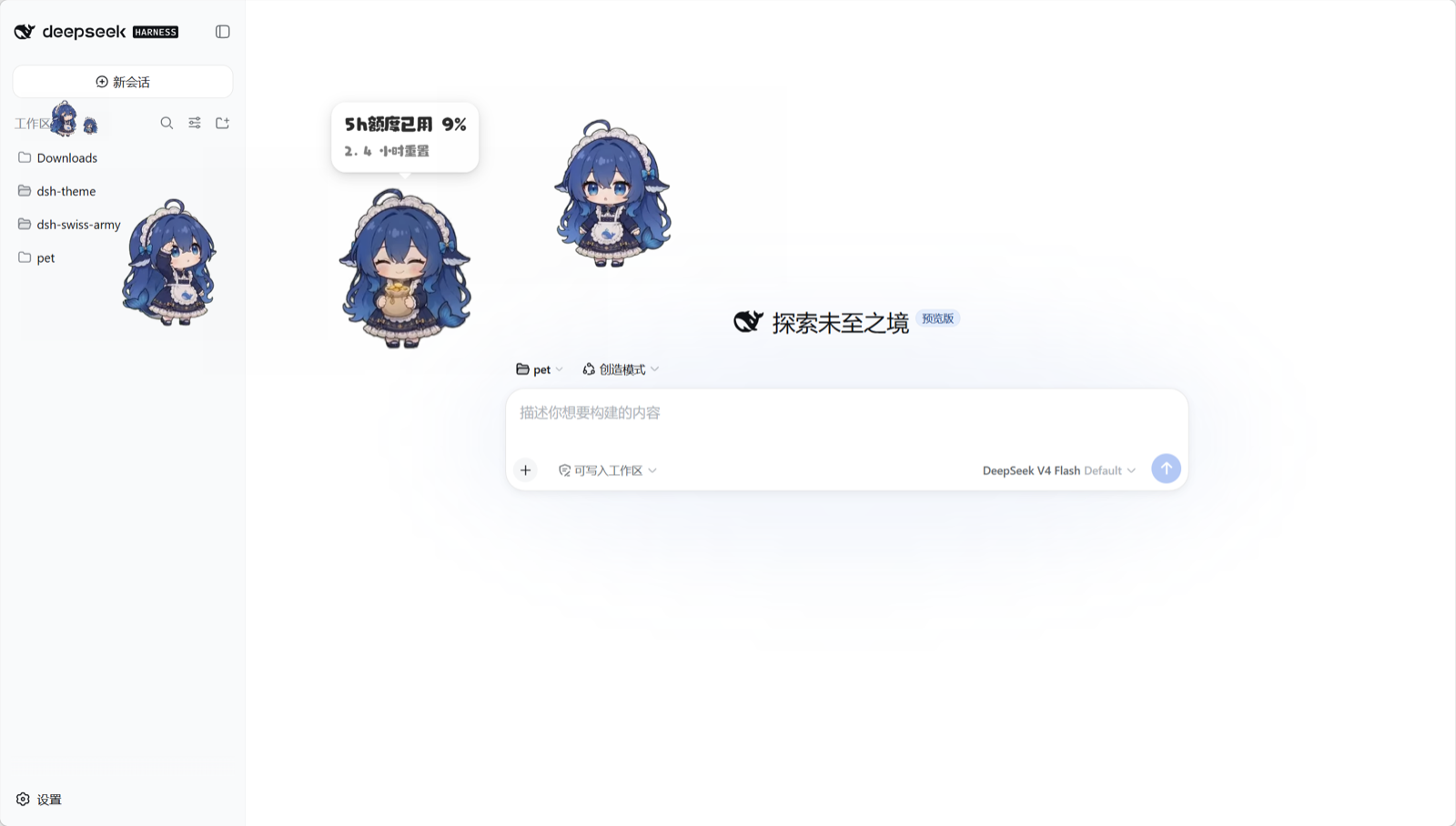
Install: put dsh-pet in the plugin manager's install field, or run dsh plugin --profile <profile> add dsh-pet. Restart DSH afterwards.
OpenPets: a pet platform rather than one pet
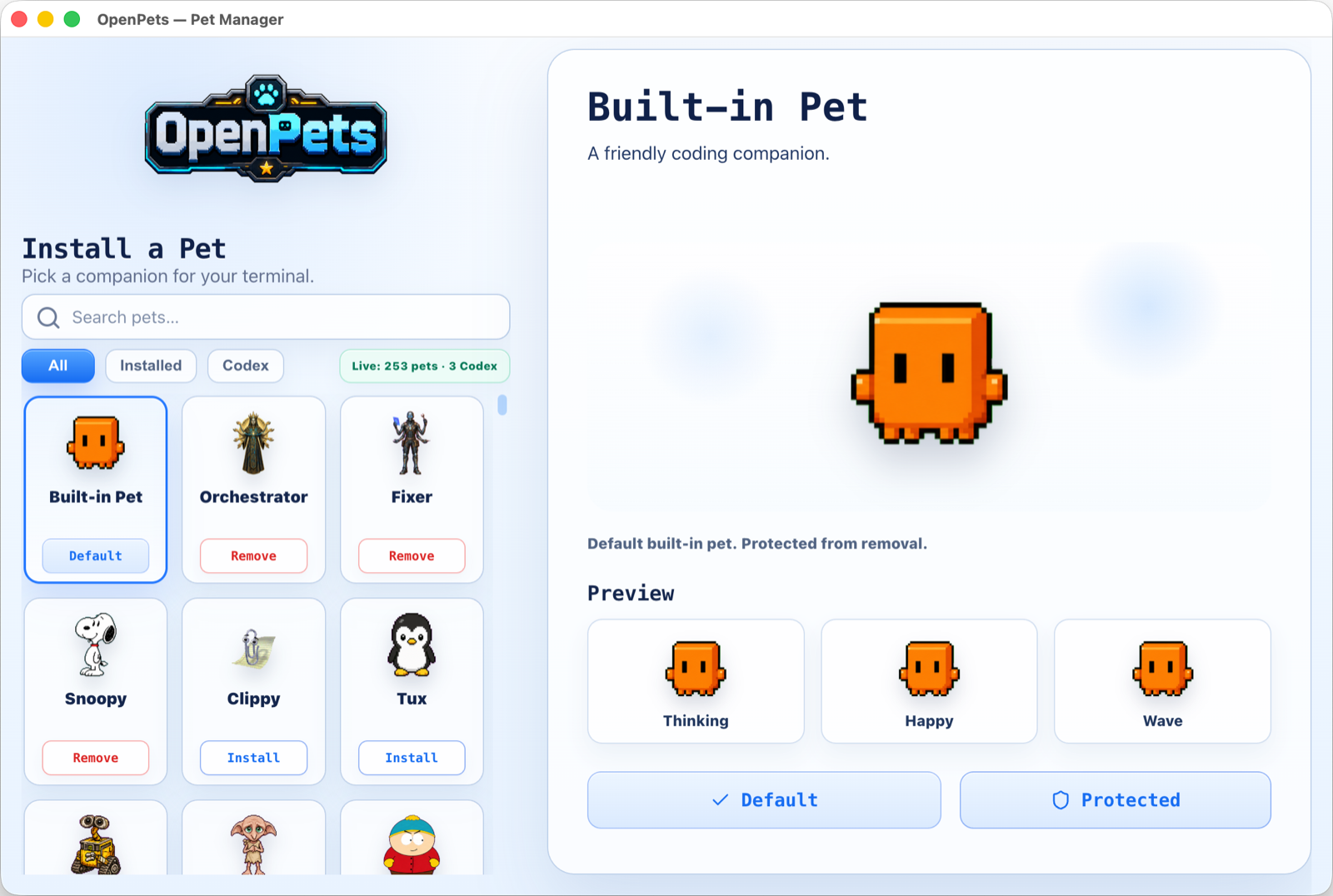
Repository OpenPetsHQ/openpets, about 1,400 stars, MIT. This is a pet manager: a built-in catalogue, search, install and remove, and room for your own pet packs. The screenshot is its own management window, with candidates on the left and the selected pet's preview poses on the right.
If you want to swap characters whenever you feel like it instead of installing one plugin per pet, the manager saves you that work.
dsh-dafeiyu: a desktop-native fish companion
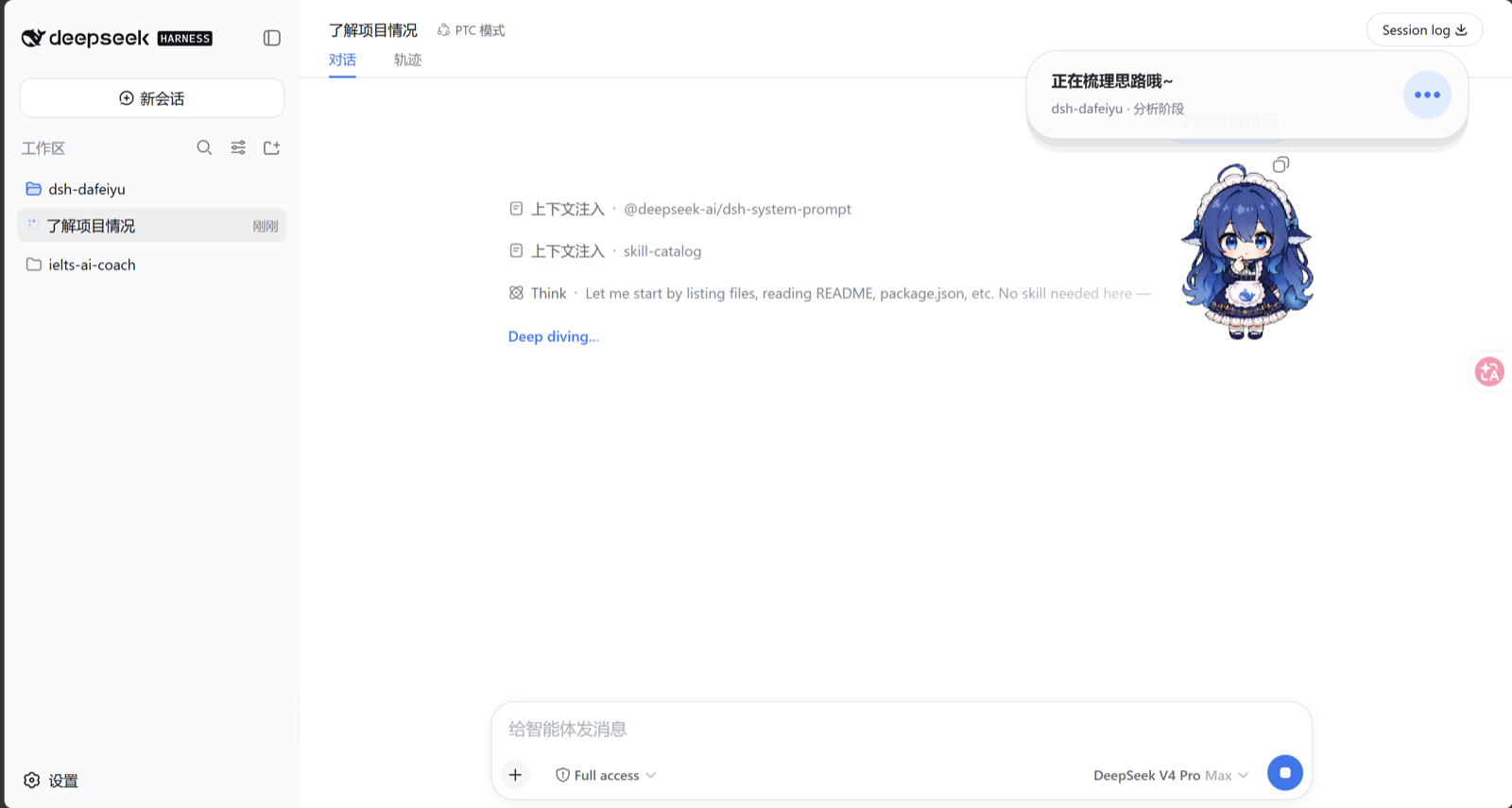
Repository QCYTSN/dsh-dafeiyu, about 630 stars, MIT, JavaScript. It runs as a native desktop window rather than an overlay inside the page, so it can sit outside the browser entirely. Its state animations are graded by success, failure, thinking, waiting, and working, driven by session events.
whale-girl: a QQ-pet-style companion that grows
Repository vlln/whale-girl, about 410 stars, MIT. This one is a raising game: a small character in the bottom-right corner that you drag, feed, and play with, with behaviour that accumulates. The repository cuts every action into its own frame set; below is the idle loop.

Why can't you compare pets by star count?
Because stars hang off the repository. zhu1090093659/dsh-web-ui holds a Miku pet, a multi-pet manager, a skin centre, a task board, a git graph, and about twenty more packages, and all of them share one count of 5,811. Ranked by package, that single repository would take the top dozen places.
So when you read a pet list, collapse it by repository first, then look at what each repository actually is. This site's appearance zone uses exactly that rule: one repository appears once, and its stars count once.
What should you check before installing a pet?
- Restart DSH after installing. A running process holds the old plugin in memory, so a new character will not appear until you restart.
- Artwork has a licence. Pet art belongs to its author, and some of it is derivative fan work. Playing with it locally is one thing; moving the assets somewhere else is another.
- Popular is not the same as safe. Stars measure attention. Read the source and see what it reads and writes before you install it.
To see what else is listed, browse the appearance zone, or add the whole catalogue to Discover from the plugin index.
Frequently asked questions
Do desktop pet plugins change how the agent works?
No. They draw a character over the interface and read session state so the character can react. The agent, its tools, and its permissions are unchanged.
Why do several pets in one repository show the same star count?
Stars belong to the GitHub repository, not to a package. Packages inside one repository share its stars, so a ranking that counts packages overstates a monorepo.
Is a popular pet plugin safer than an unpopular one?
No. Stars measure attention, not code quality or safety. Read the source and the permissions before installing, as with any plugin.
Sources
Every claim in this article was checked against the sources below. Community discussions are user reports, not official behavior.
This is an independent community article, not official DeepSeek documentation. Listing a plugin in the registry is not a security review.